Why emulators and datacenter IPs see different ads
Ad networks screen out traffic that looks automated. An emulator or a datacenter address is often shown fallback ads, or none, so a check from one tells you little about what real people see.
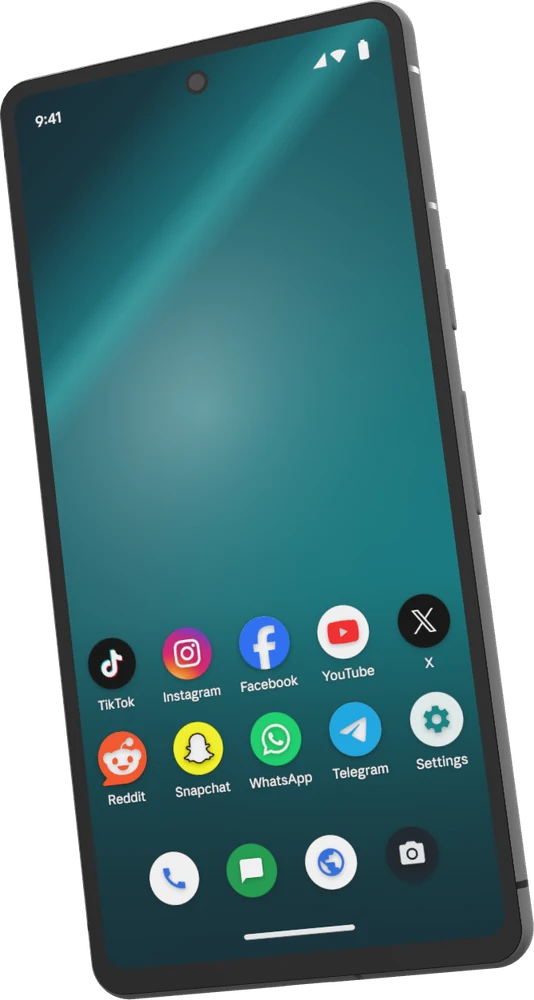
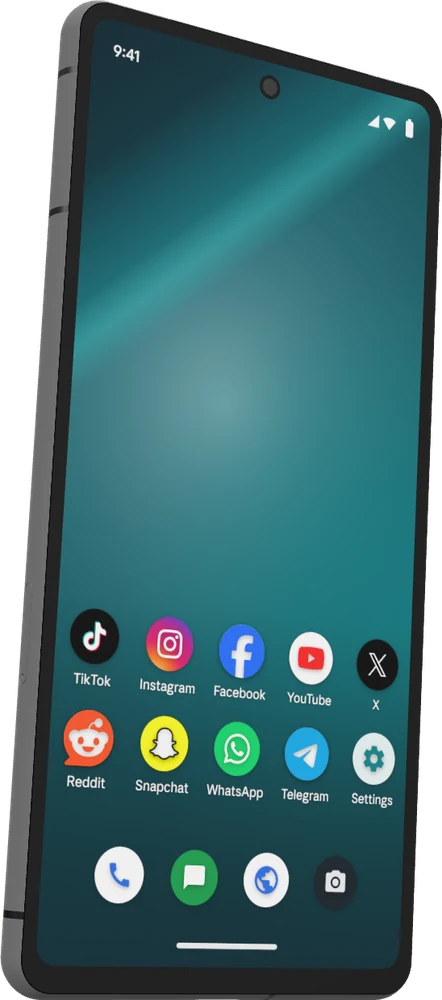
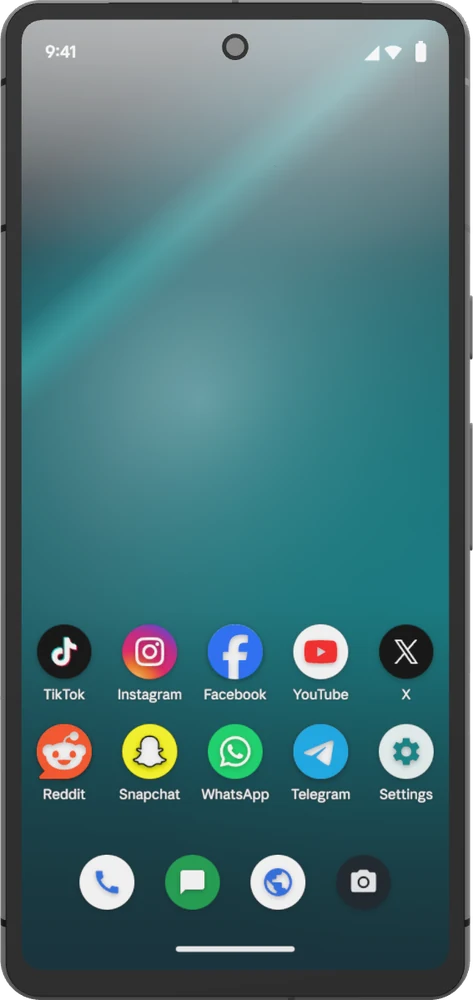
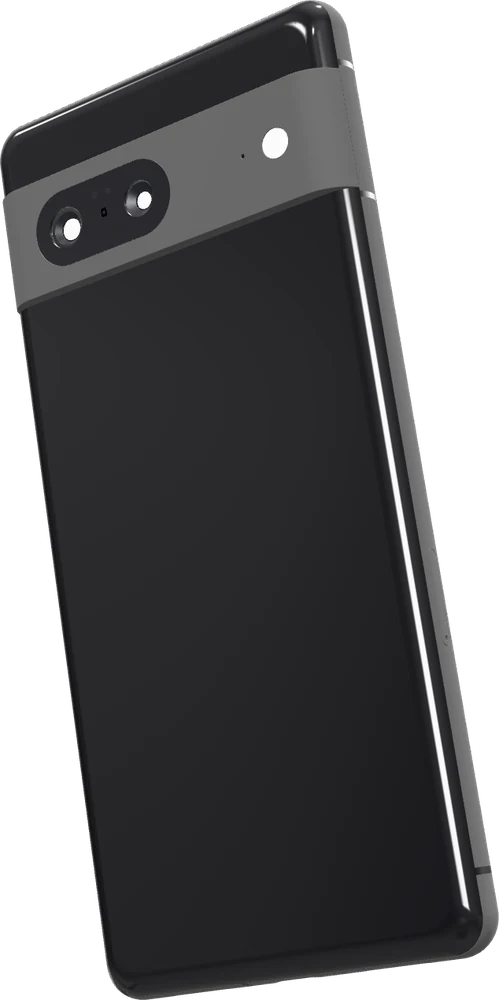
A Distilled phone carries a real handset's identity, passes Play Integrity, and browses from a US mobile carrier network, so it is served ads the way a real phone is.
- A real handset's profile, Pixel 7 Pro, 7 or 7a on Android 13 to 16, checked when it starts and every 6 hours.
- Passes Play Integrity, up to its strongest verdict.
- Its own pre-checked US mobile carrier IP, or your own proxy.
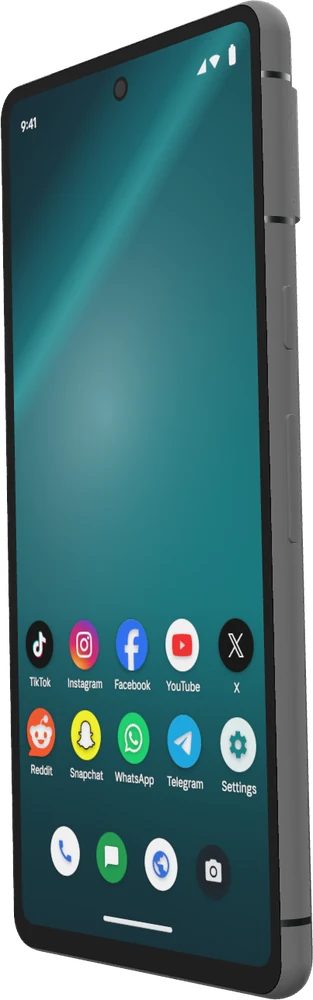
- Apps from the Play Store, our catalogue, or your own APK.
- Driven live from the browser, or by an AI agent across many phones at once.
Checks from six US cities
Each phone exits in one of six US cities, and you can move it to another. Set the phone's location to match, and apps that use it see the same place.
A record of what was shown
Open the app, scroll to the placement and take a screenshot, by hand from the browser or with an agent across many phones. A run keeps a screenshot of every step, so each check comes with the screen it saw.