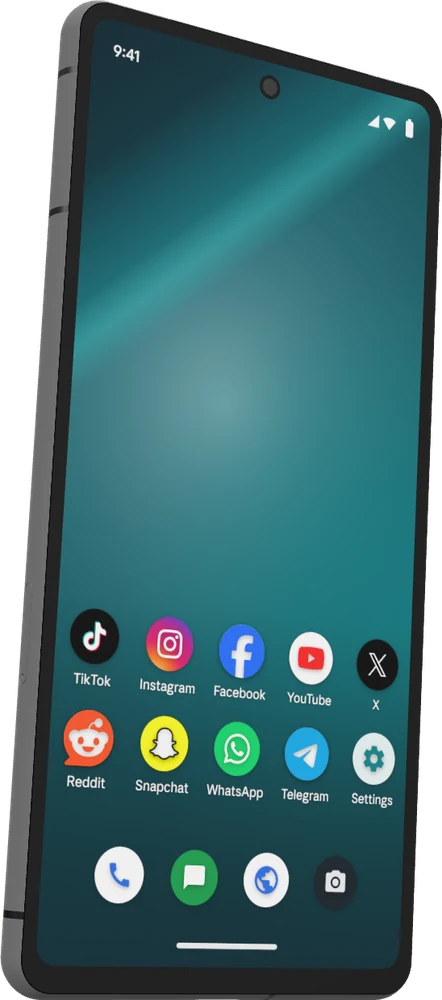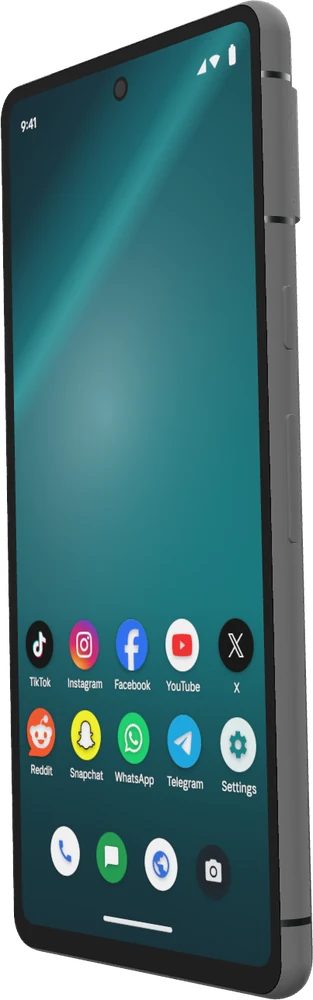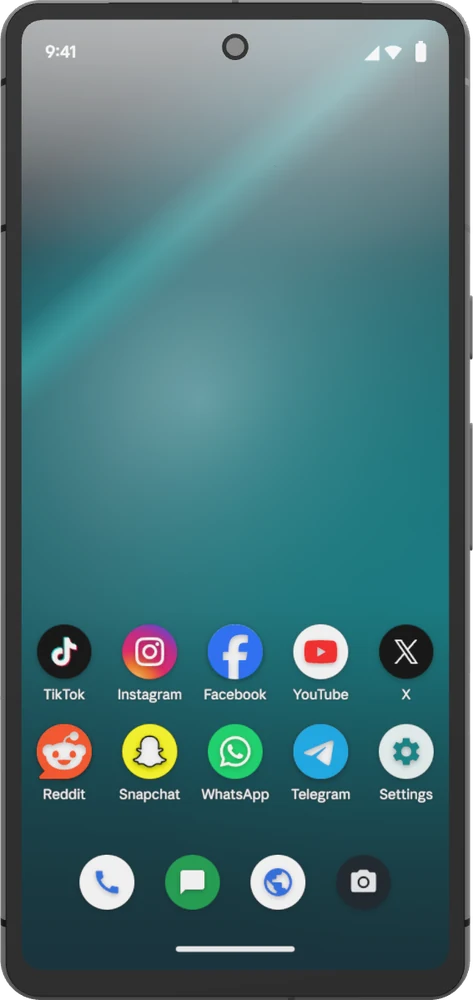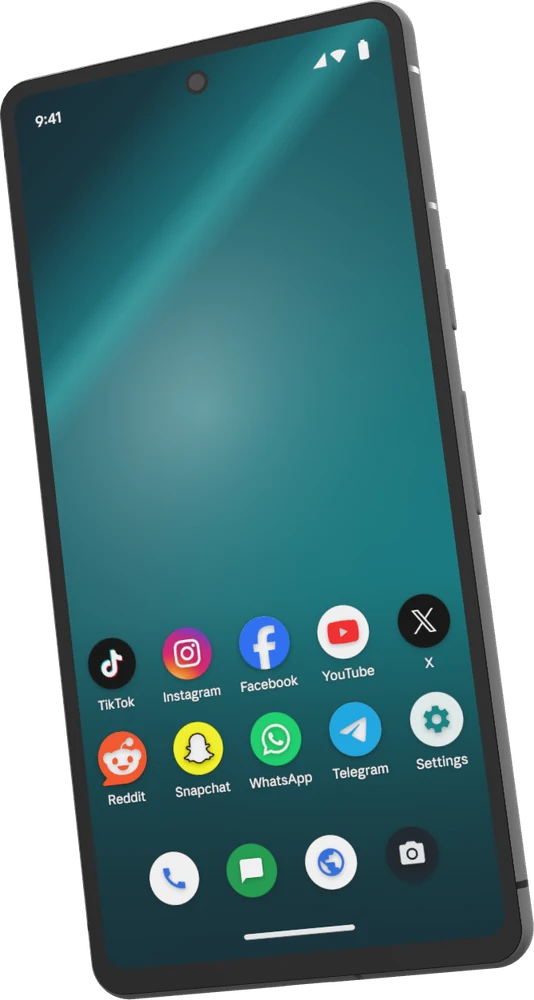
Why accounts on one device get banned together
TikTok, Instagram, Facebook and X read the phone they run on: its model, build, sensors and kernel, and the address its traffic comes from. Two accounts that report the same phone, or an emulator's tell-tale answers, look like one person running both.
Once one of them is flagged, the rest go with it. A datacenter or shared proxy IP makes it worse, since it carries the history of everyone who used it before.
One account, one phone
A Distilled phone answers like the handset it is modelled on, and no two phones share an identity. Each comes with a US mobile carrier IP that we check before it is handed out, so a new account starts on a clean device and a clean network.
The phone keeps the same identity and its data between sessions until you ask for a new one, so an account logs in from the device it always has.
- A real handset's profile, Pixel 7 Pro, 7 or 7a on Android 13 to 16, checked when it starts and every 6 hours.
- Passes Play Integrity, up to its strongest verdict.
- Its own pre-checked US mobile carrier IP, or your own proxy.
- Apps from the Play Store, our catalogue, or your own APK.
- Driven live from the browser, or by an AI agent across many phones at once.
Posting and engaging across accounts
Upload a clip or a picture to the phone and post it from the app, the way a person would. Open any phone in the browser to post by hand, or give an AI agent the job in plain words and let it run on every phone that needs it.
When an app changes a button or shows a new pop-up, the agent reads the screen and carries on, where a fixed script would tap the wrong place. If a phone hits something only you can solve, such as a login check, it stops and waits for you.
Working with a team
Put the phones in a workspace and invite the people who run them. Everyone opens the same phones from the browser, without passing devices or logins around.